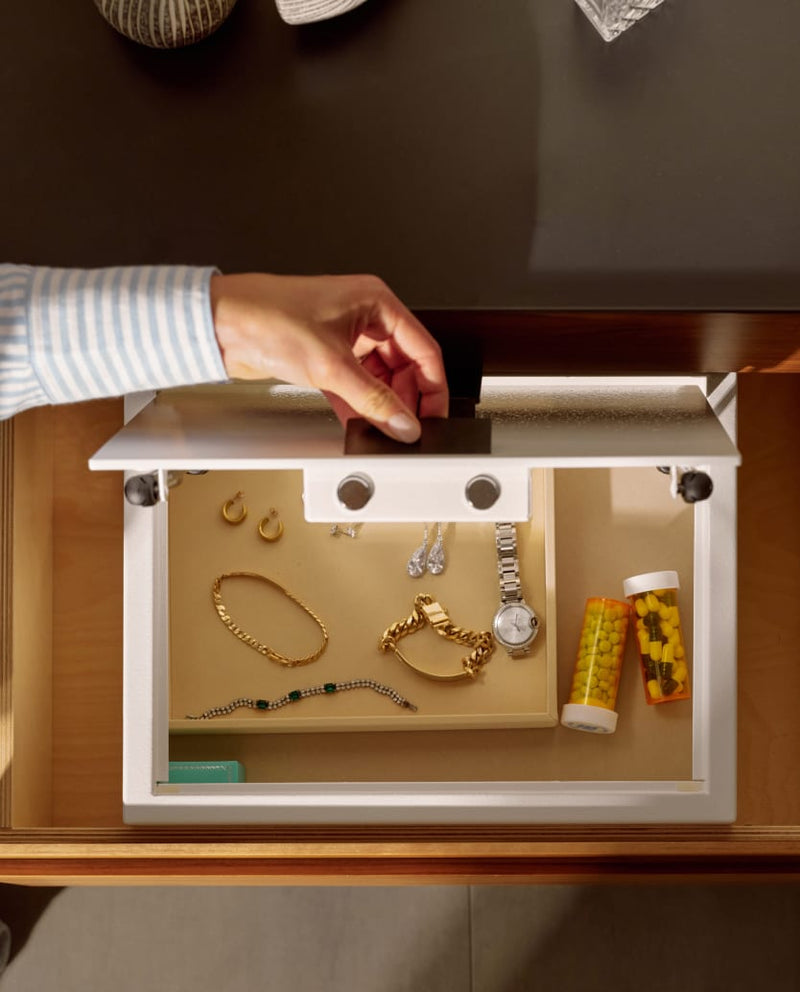
All MyCube Classic and MyCube Mini safes are battery operated running on 4-AA batteries. Our safes are digital safes meaning that they have LED screen keypads that are battery powered. The batteries typically will last you 18 months, but to be on the safe side (pun intended :) we recommend you change your batteries every 12 months. To locate the battery pack on your MyCube digital safe, open your safe and look for the small black plastic panel on the back of the inside safe door. Once you locate the panel, use the allen wrench that comes with each digital safe to remove the screw and gain access to the batteries. Go to the Videos section of our website to see a visual demonstration.
You may even want to set a calendar reminder 12-14 months from when you purchase your MyCube digital safe to make sure you change your batteries on time. When your batteries start to run low, you will see a "BATT-L" on the keypad notifying you to change your batteries, but we suggest changing them before this notification appears.
Once you change your batteries, you will need to make sure that the switch on the inside of the safe door is flipped to "ON." If you put new batteries in the safe and the keypad doesn't light up, that means the switch is set to "OFF." Once the new batteries are in, you will need to set your code as you did the first time you set up the safe. All of these steps can be seen in the VIDEOS section of our website.
If your batteries fail before you are able to change them, you will need to use your manual key that comes with each MyCube to open the safe manually. Use the allen wrench to remove the screws on the oval plaque on the front of the safe, and then place your key in the exposed hole until it fits all the way in, and turn. Once the safe is open, you can follow the steps above to swap out your old batteries for new ones. (Note: keep your manual key in a safe place outside of your safe so that you don't end up getting locked out of your safe with the keys still inside.)
Keeping new batteries in your MyCube digital safe will ensure seamless operation and allow you to always have access to your safe using the keypad.